Watch a website
Afterwards up4 checks your website around the clock and emails you when it stops answering.
- Who: Any role except Viewer
- Time: About two minutes
- Cost: About €0.13 a month from your credit
The amount is for a website checked every three minutes.
Steps
-
Enter the address
Type the address of the page you want to watch, for example
example.com. up4 addshttps://for you.If another monitor already watches that address, up4 names it and warns that a second one doubles the cost and opens two incidents for one outage. The button then reads Create anyway.

-
Choose how often up4 checks
Pick a value under How often. Shorter intervals notice an outage sooner and cost more:
- Every three minutes, the default: about €0.13 a month.
- Every minute: about €0.39 a month.
- Every ten seconds: about €2.33 a month.

-
Choose who gets alerted
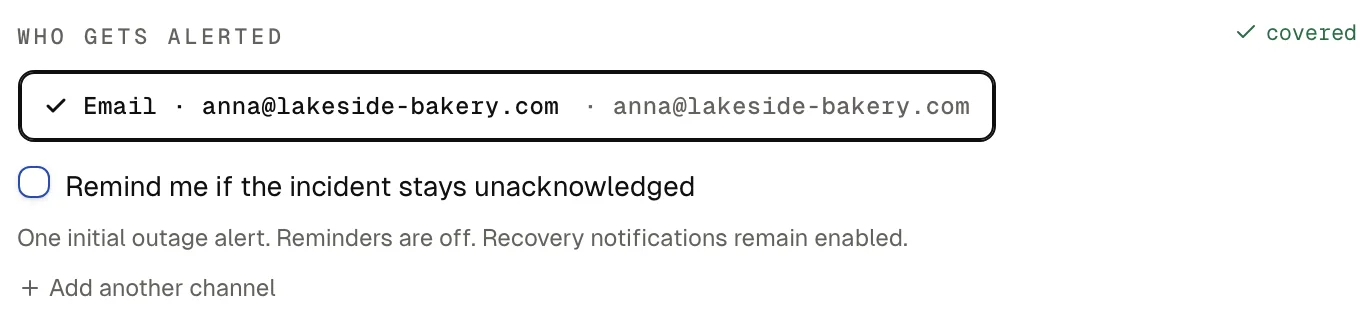
Under Who gets alerted, choose who hears about an outage. The first time, select Email me at your address: up4 sets up an email channel for your own address and selects it. Once that channel exists, it is selected for you.
Add a colleague or another alert channel if someone else should hear about outages too. Without a recipient the monitor still runs, but nobody is alerted.
-
Check the summary and create the monitor
The box In plain words repeats what will run, who is alerted and what it costs. If it reads right, select Create monitor.
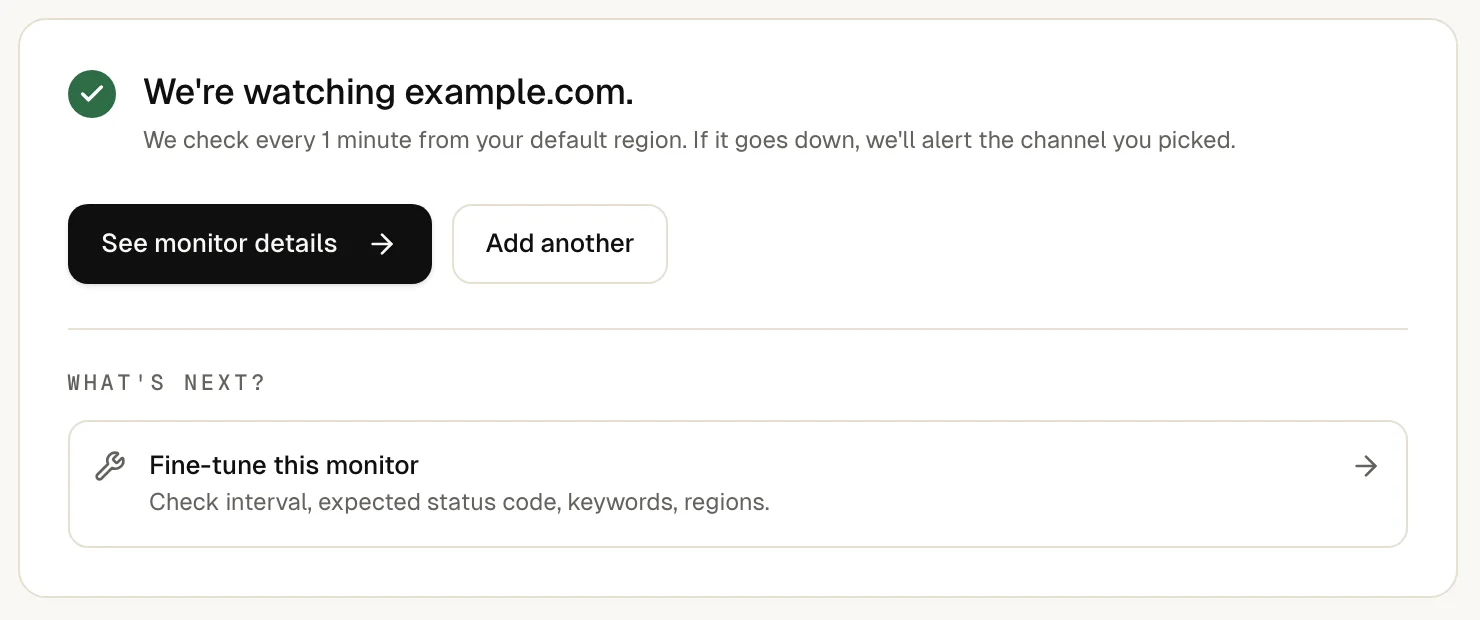
up4 confirms with We're watching example.com. and adds “If it goes down, we'll alert the channel you picked.”
Select See monitor details. The monitor page shows Pending until the first result arrives, usually within a minute, then Up.
To see an alert arrive without waiting for an outage, select Send test alert in the green banner “Monitor was successfully created.” The banner only appears right after you create the monitor. Later, open the monitor, press ⌘ K (Ctrl K on Windows and Linux) and choose Send test alert.
If something is off
The address is refused.
Enter a domain with its ending, such as example.com, without spaces.
The monitor shows “Down” although the site works for you.
A firewall may block up4's checkers. Allow the addresses listed under where checks come from.
No test email arrives.
Look in your spam folder, then check the address in your alert channels.
What up4 does not do here
- This form checks from one region, your default. Choose more regions with Use advanced setup.
- A website counts as up when it answers without an error. To make sure a page shows the right content, check for a keyword.
- up4 does not sign in to pages behind a login form.
- A status change needs 3 matching results, so a single failed check does not alert you. How fast the email arrives depends on your interval and your mail provider. When you get alerted.
/v1/monitors | In the app | API field |
|---|---|
| URL to watch · The address up4 requests. A missing https:// is added for you. | url |
| Name · The name shown in lists and alerts. | name |
| Check every · How often up4 checks. Shorter intervals notice an outage sooner and cost more. | interval_seconds |
Was this page helpful?